Installation of NTURAS Dial-up for Windows 2000
To create a dial-up connection
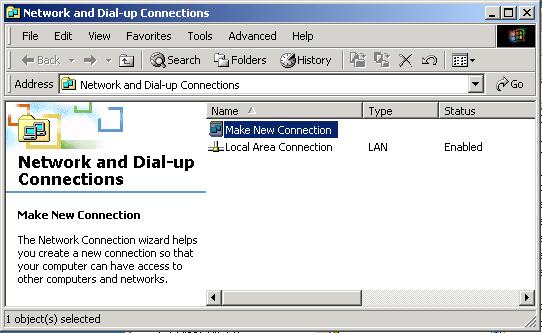
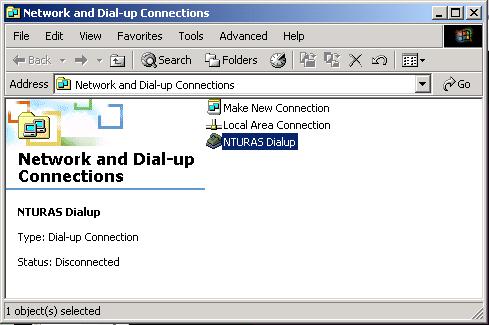
Click Start-> Programs -> Accessories -> Communications -> Network and Dial-up Connections
|
|
Click the 'Make New Connection' icon to launch the Network Connection Wizard |
|
|
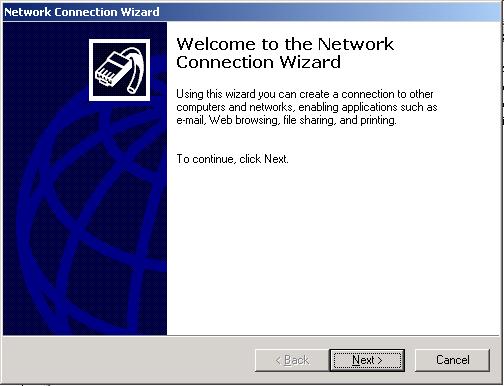
Click the Next button |
|
|
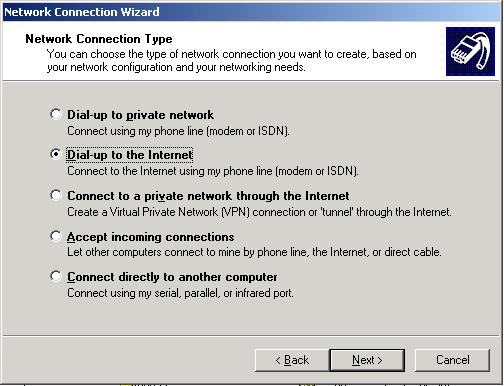
Select the 'Dial-up to the Internet' tab.
|
|
|
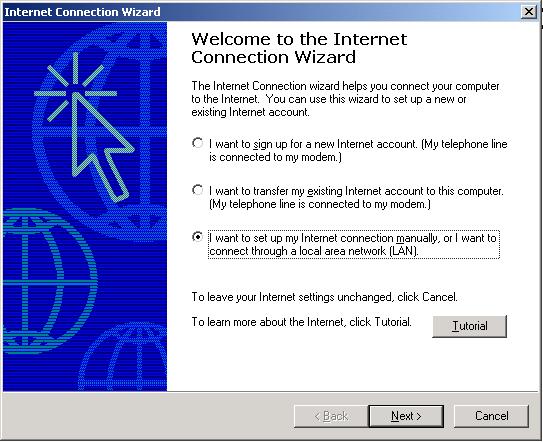
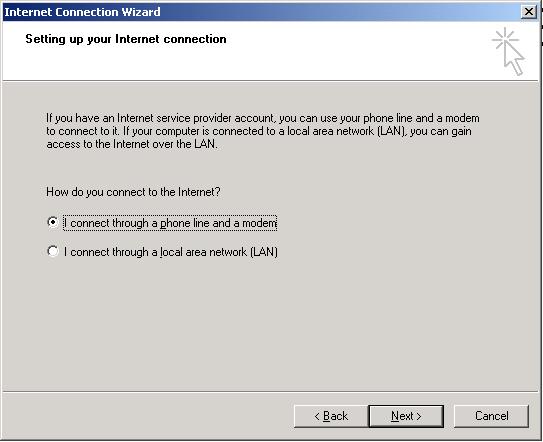
Select the required tab and click Next
|
|
|
Select the required tab and click Next
|
|
|
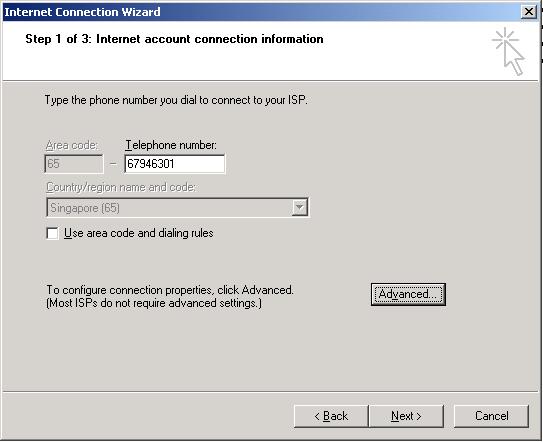
Uncheck the 'Use area code and dialing rules' check-box.
Key in the right number for dial-up access to the NTU network and click Next
For general line: 67946301
For staff line: 67935877
|
|
|
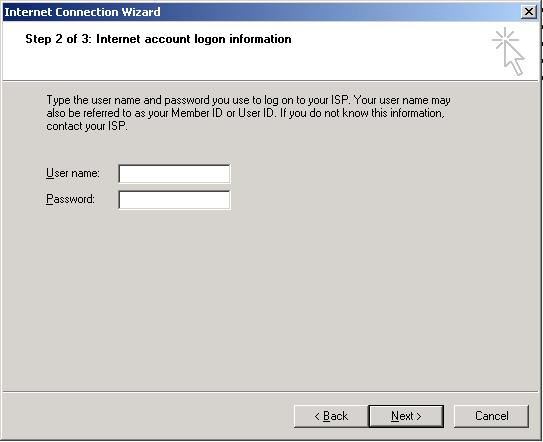
At this point of time, do not enter any User nameand Password.
Click Next again
|
|
|
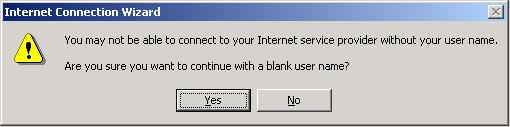
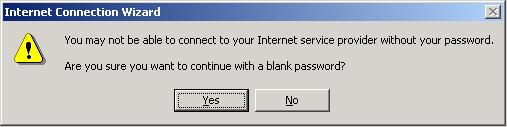
Ignore these two messages as both the userid and password can be entered during dial-up to the Campus
|
|
|
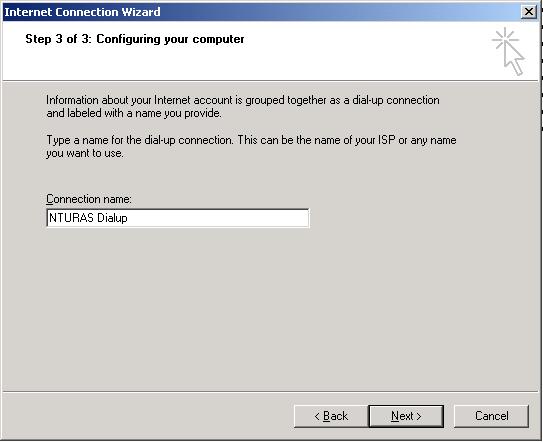
You may choose a different name for the Connection that will be reflected on the Network and Dial-up Connection windows.
|
|
|
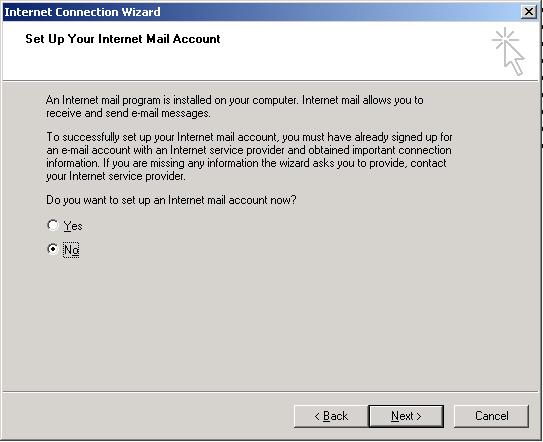
Select the required tab and click the Next button.
|
|
|
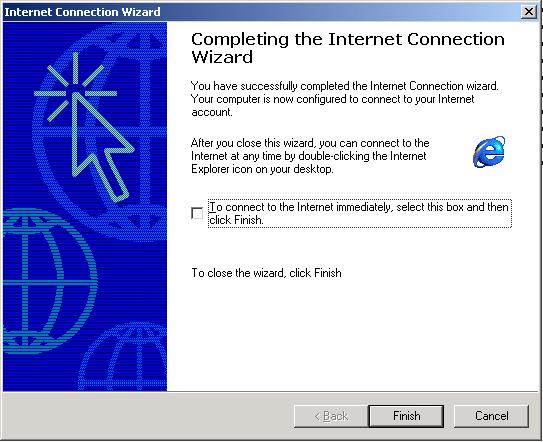
Click the Finish button to complete the connection wizard.
|
|
|
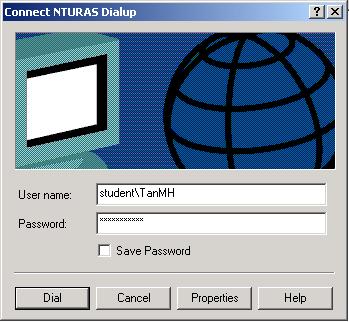
Launch the dial-up connection by clicking the icon
|
|
|
The setup is completed and you are now ready to make dial-up connection to the NTU remote access services by entering your userid, password and domain name (student or staff). Use the format student\userid or staff\userid to dial into Campus network.
|