To create a VPN connection
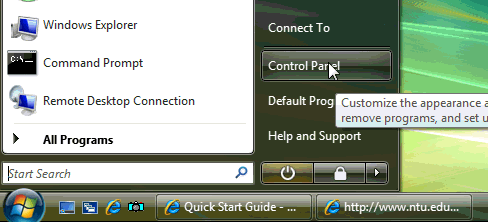
Click
Control Panel->
Network and Internet Programs
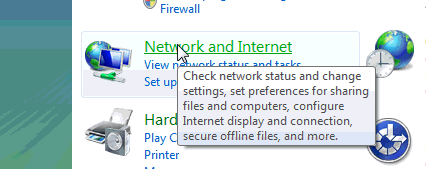
Click
Network and Sharing Center

Select
Setup a connection or network
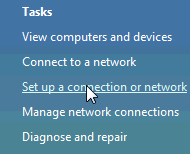
Select
Connect to a workplace ......
and click Next

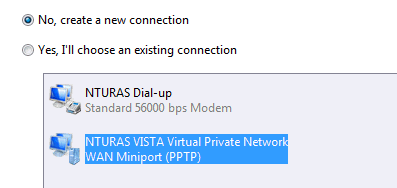
Select
No, create a new connection
and click Next
click
Use my Internet connecting (VPN)

Type
vpngate.ntu.edu.sg
& NTUVPNVISTA accordingly

To connect to the NTU network via VPN. Enter your
network account
and the domain name
such as
Staff
or
Student
in the following format.
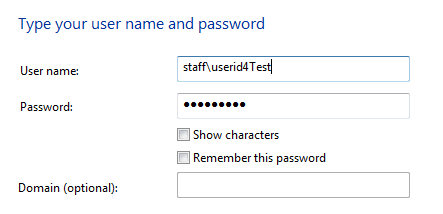
For the subsequent connection via VPN, you
will see the following VPN client GUI.

Please note that you
must be connected to the Internet before you can perform the tunneling.